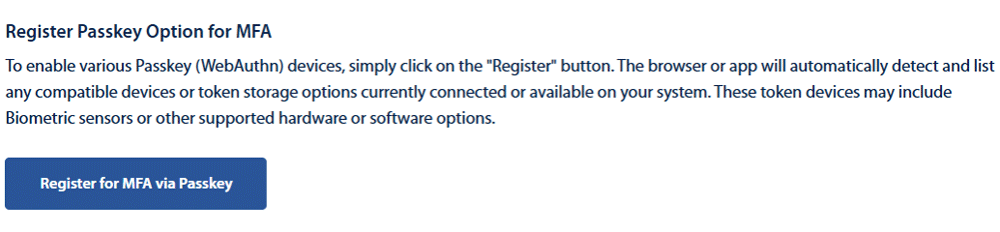
Passkeys offer a secure and convenient way to protect your account and enhance your login experience. Passkeys are an option to verify Multi-Factor Authentication when logging into Digital Banking.
There are 3 ways to register a passkey for MFA verification.
- Mobile device
- Laptop/PC
- Security keys like Yubikey and many others.
Passkey Options Available
- Mac TouchID
- PC Facial Recognition/Windows Hello
- PC Fingerprint readers
- Hard Tokens
- Yubikey
- Google Titan
- Feitian
- Key-Id and many others.
- 1Password or other Password Managers with Passkey support enabled
- Android Fingerprint
- iOS Touch ID or iOS FaceID
The browser does the work in recognizing the devices available. There may be multiple options available and the user can enroll more than one Passkey. For example, a user can enroll both 1Password as a software token while also enabling a Yubikey hard token. Or, a user may enroll a Titan key as a hard token and also use their Android Fingerprint on mobile.
To register for Passkey MFA please login to Digital Banking and follow the steps below.
- Open the Profile menu
- Click Security
- Click Authentication
- Scroll to bottom of page and Click Register for MFA via Passkey